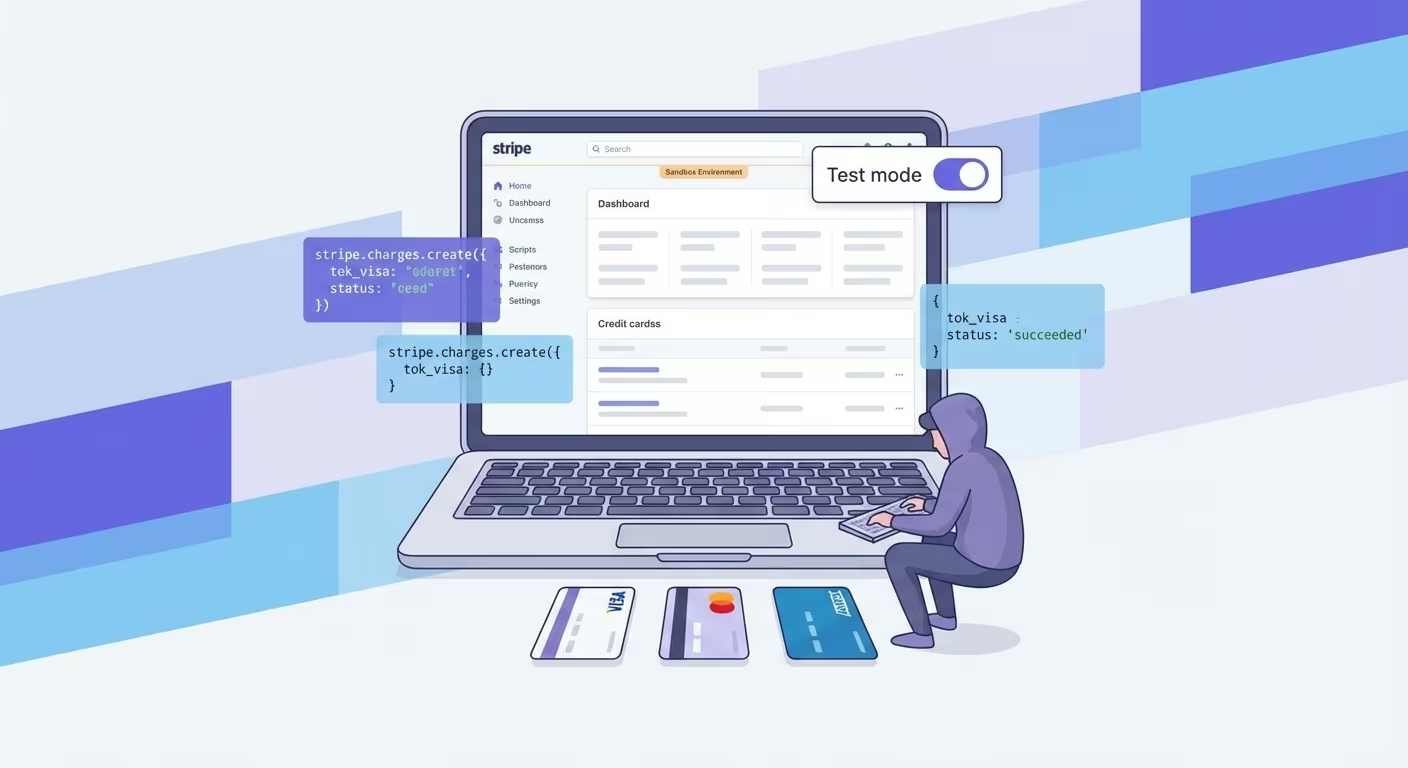
You have built your checkout flow. The UI looks clean. The backend logic is wired up. Now comes the part that makes every developer's palms sweat: testing the actual payment.
If you have ever accidentally charged a real card during development — or worse, shipped a checkout that silently fails — you know why proper payment testing matters. Stripe makes this easier than most processors, but there is still a right way and a wrong way to do it.
This guide covers everything you need to test Stripe payments confidently: test card numbers, sandbox mode setup, edge case simulation, webhook testing, and common pitfalls that trip up even experienced developers.
Why Testing Payments Is Non-Negotiable
Payment processing is the one part of your application where bugs have immediate financial consequences. A broken login page annoys users. A broken checkout loses revenue.
Here is what proper payment testing catches:
- Card declines that your UI does not handle gracefully
- Webhook failures that leave orders in limbo
- 3D Secure flows that break on certain card types
- Currency conversion issues for international customers
- Subscription billing edge cases (trials, upgrades, failed renewals)
Stripe provides a complete sandbox environment specifically designed to simulate all of these scenarios without touching real money.
Setting Up Stripe Test Mode
Every Stripe account comes with two sets of API keys: live and test. The test environment is a complete mirror of production — same API, same dashboard, same webhooks — but no real charges happen.
Step 1: Get Your Test API Keys
In your Stripe Dashboard, toggle the Test mode switch in the top-right corner. Then go to Developers → API keys.
You will see:
- Publishable key: starts with
pk_test_ - Secret key: starts with
sk_test_
Use these in your development environment. Never hardcode them — use environment variables:
STRIPE_PUBLISHABLE_KEY=pk_test_your_key_here
STRIPE_SECRET_KEY=sk_test_your_key_here
Step 2: Install the Stripe SDK
# Node.js
npm install stripe

# Python
pip install stripe

# PHP
composer require stripe/stripe-php
Step 3: Configure Your Client
const stripe = require('stripe')(process.env.STRIPE_SECRET_KEY);

// Create a test payment intent
const paymentIntent = await stripe.paymentIntents.create({
  amount: 2000, // $20.00 in cents
  currency: 'usd',
  payment_method_types: ['card'],
});
Stripe Test Card Numbers
This is where most developers start — and where Namso's card generator becomes incredibly useful for generating valid test numbers with specific BIN patterns.
Basic Test Cards
| Card Number | Brand | Result |
|---|---|---|
| 4242 4242 4242 4242 | Visa | Success |
| 5555 5555 5555 4444 | Mastercard | Success |
| 3782 822463 10005 | Amex | Success |
| 6011 1111 1111 1117 | Discover | Success |
For all test cards, use:
- Expiry: any future date (e.g., 12/34)
- CVC: any 3 digits (4 for Amex)
- ZIP: any valid ZIP code
Simulating Declines
| Card Number | Error Code | Description |
|---|---|---|
| 4000 0000 0000 0002 | card_declined | Generic decline |
| 4000 0000 0000 9995 | insufficient_funds | Not enough balance |
| 4000 0000 0000 9987 | lost_card | Card reported lost |
| 4000 0000 0000 0069 | expired_card | Card is expired |
| 4000 0000 0000 0127 | incorrect_cvc | CVC check fails |
3D Secure Test Cards
| Card Number | Behavior |
|---|---|
| 4000 0025 0000 3155 | Requires 3DS authentication |
| 4000 0000 0000 3220 | 3DS required, completes successfully |
| 4000 0000 0000 3063 | 3DS required, authentication fails |
Testing Webhooks Locally
Stripe sends webhook events when things happen — payments succeed, subscriptions renew, disputes are opened. Testing these locally requires forwarding Stripe's events to your development server.
Using the Stripe CLI
# Install
brew install stripe/stripe-cli/stripe

# Login
stripe login

# Forward events to your local server
stripe listen --forward-to localhost:3000/webhooks/stripe
The CLI gives you a webhook signing secret (whsec_...) — use it to verify incoming events:
const endpointSecret = process.env.STRIPE_WEBHOOK_SECRET;

app.post('/webhooks/stripe', (req, res) => {
  const sig = req.headers['stripe-signature'];
  let event;

  try {
    event = stripe.webhooks.constructEvent(req.body, sig, endpointSecret);
  } catch (err) {
    return res.status(400).send(`Webhook Error: ${err.message}`);
  }

  switch (event.type) {
    case 'payment_intent.succeeded':
      // Handle successful payment
      break;
    case 'payment_intent.payment_failed':
      // Handle failed payment
      break;
  }

  res.json({ received: true });
});
Triggering Test Events
# Trigger a specific event type
stripe trigger payment_intent.succeeded

# Trigger with custom data
stripe trigger customer.subscription.created
Testing Subscriptions
Subscription billing introduces timing complexity. Stripe lets you manipulate time in test mode using test clocks.
Creating a Test Clock
const testClock = await stripe.testHelpers.testClocks.create({
  frozen_time: Math.floor(Date.now() / 1000),
});

// Create a customer attached to the test clock
const customer = await stripe.customers.create({
  test_clock: testClock.id,
  email: 'test@example.com',
});

// Create a subscription for this customer
const subscription = await stripe.subscriptions.create({
  customer: customer.id,
  items: [{ price: 'price_xxx' }],
  trial_period_days: 14,
});

// Fast-forward time by 15 days (past the trial)
await stripe.testHelpers.testClocks.advance(testClock.id, {
  frozen_time: Math.floor(Date.now() / 1000) + (15 * 24 * 60 * 60),
});
This lets you test:
- Trial expiration
- Failed renewal payments
- Subscription upgrades and downgrades
- Proration calculations
- Cancellation flows
Automated Payment Testing
Manual testing catches obvious bugs. Automated tests catch the subtle ones — especially regressions.
Example: Jest + Stripe
describe('Payment Flow', () => {
  test('creates a payment intent successfully', async () => {
    const paymentIntent = await stripe.paymentIntents.create({
      amount: 5000,
      currency: 'usd',
    });

    expect(paymentIntent.status).toBe('requires_payment_method');
    expect(paymentIntent.amount).toBe(5000);
  });

  test('handles card decline gracefully', async () => {
    const paymentIntent = await stripe.paymentIntents.create({
      amount: 5000,
      currency: 'usd',
      payment_method: 'pm_card_chargeDeclined',
      confirm: true,
    }).catch(err => err);

    expect(err.type).toBe('StripeCardError');
    expect(err.code).toBe('card_declined');
  });
});
Common Testing Mistakes
1. Not Testing Error States
Happy path works? Great. Now test what happens when the card is declined, the network times out, and the webhook arrives twice. Those are the scenarios that break production.
2. Hardcoding Test Keys
Test keys in your codebase eventually leak. Use environment variables and .env files (with .gitignore protection).
3. Ignoring Idempotency
Stripe supports idempotency keys to prevent duplicate charges. Test that your integration uses them:
const charge = await stripe.paymentIntents.create(
  { amount: 1000, currency: 'usd' },
  { idempotencyKey: 'unique-order-id-123' }
);
4. Skipping Webhook Verification
Always verify webhook signatures. Without verification, anyone can send fake events to your endpoint.
5. Testing Only in USD
If you serve international customers, test with other currencies. Some currencies (like JPY) do not use decimal amounts — 1000 means ¥1000, not ¥10.00.
Testing Checklist
Before going live, verify each of these:
- [ ] Successful payment with Visa, Mastercard, Amex
- [ ] Card decline shows user-friendly error message
- [ ] 3D Secure flow completes without breaking the UI
- [ ] Webhook events are received and processed correctly
- [ ] Duplicate webhook events are handled (idempotency)
- [ ] Subscription creation, renewal, and cancellation all work
- [ ] Refund flow works end-to-end
- [ ] Receipt emails are sent correctly
- [ ] Error logging captures payment failures with context
- [ ] API keys are loaded from environment variables, not hardcoded
Generating Custom Test Card Numbers
While Stripe provides a set of fixed test card numbers, sometimes you need to test with specific BIN ranges — for example, testing how your system handles cards from a particular bank or country.
Namso's credit card generator lets you generate valid test card numbers for any BIN pattern. The generated numbers pass Luhn validation (the checksum algorithm used by all card networks), making them perfect for:
- Testing BIN-specific logic in your payment flow
- Validating card number format checks
- Generating bulk test data for automated testing
- Simulating international card types
Just remember: these numbers work for format validation and testing — Stripe's test mode still requires their specific test card numbers for actual API calls.
FAQ
Can I use real credit card numbers in Stripe test mode?
No. Stripe's test mode explicitly rejects real card numbers. You must use Stripe's designated test card numbers. This is a safety feature to prevent accidental real charges during development.
How do I test Apple Pay and Google Pay with Stripe?
Stripe provides test cards that simulate Apple Pay and Google Pay in your browser. Use a compatible browser (Safari for Apple Pay, Chrome for Google Pay) and Stripe's test mode — no real wallet setup required.
Do Stripe test transactions show up on real bank statements?
No. Test mode transactions exist only within Stripe's sandbox. No money moves, no bank statements are affected, and no real payment processor is contacted.
How do I test international payments?
Use Stripe's test cards with different country codes and currencies. The card 4000 0007 6000 0002 simulates a Brazilian card, 4000 0027 6000 3184 simulates a German card requiring 3DS, and so on. Check Stripe's docs for the full list.
Can I use test mode for load testing?
Stripe allows rate-limited test mode usage for load testing, but recommends contacting their support for high-volume testing scenarios. Their test mode API has the same rate limits as production (100 requests/second by default).